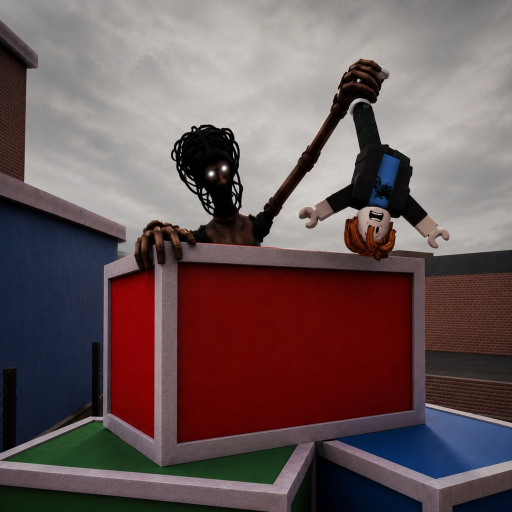
Item presenceCommunity reported
Reported in exact-game coverage
The official description does not name a Taser.
The Taser is a community-reported defensive item in current MM2 of The Locust gameplay. Confirm how your server grants it, select it before a chase becomes critical, use it from a clear lane, and move immediately if the effect lands. Acquisition, charges, range, one-use behavior, and a claimed five-second stun remain unverified.
Each row separates a current answer from the evidence that supports it.
The official description does not name a Taser.
Free, shop, pickup, and round availability are not frozen here.
A community number is not treated as an official constant.
Read the current item icon and cooldown state.
Check that the Taser name or unmistakable icon appears in the current inventory or HUD. Do not rely on an exploit overlay or a different game's item.
Make the ready state visible before the Locust reaches you. A late selection can look like an input failure.
Avoid teammates, corners, and props that can hide the target or absorb the attempt. Keep a second route behind you.
Press the visible item control once and watch the actual target reaction, charge, cooldown, or inventory change.
If the Locust is interrupted, use that window to turn a corner, change level, regroup, or finish nearby progress. Do not stop to time the effect.
A clear firing lane plus a connected escape route, nearby objective, or teammate regroup point.
A blind corner, blocked lane, unknown ready state, or no safe direction after the shot.
Do not plan around an exact stun duration, range, or single-use rule until a current HUD or repeatable test establishes it.
Check the full How to Get and Use the Taser state before rejoining, repurchasing, or turning one server into a permanent rule.
| Problem | Check | Next action |
|---|---|---|
| The Taser will not fire | Selected state, visible action, cooldown, charges, target, range, obstruction, and round phase | Take the safe route first; diagnose after the chase and do not spam the action. |
| The effect ended sooner than expected | Actual target reaction and current build | Use observed behavior from this server; discard the five-second assumption until it is reproducible. |
| The Taser is not in the inventory | Role, round phase, current acquisition path, shop/pickup state, and server age | Do not claim a permanent location; check a fresh server and the latest update evidence. |
A stable acquisition method is not verified here. Use the current shop, pickup, loadout, or role UI and record exactly where the item becomes available.
Five seconds is a community-reported value, not an official constant. Treat the visible reaction in your current server as authoritative.
Not confirmed. Check the current charge, cooldown, and inventory state after using it once.
Sources for How to Get and Use the Taser are labelled by what each record can actually prove.
Used for this guide: The canonical exact-Place link currently redirects to Title Unavailable. The accessible August listing remains historical identity and premise evidence, not proof of a playable September build.
Used for this guide: Useful for dated interface and gameplay observations; it does not turn an observed control, route, or value into an official permanent rule.
Dated exact-game community gameplay; official description does not name the item.