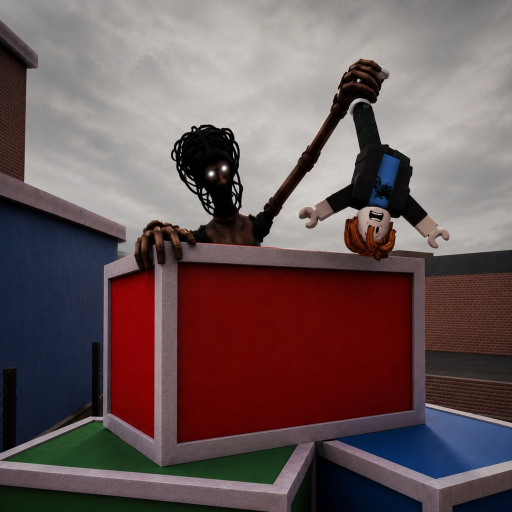
Build your nest-run brief
The MM2 of The Locust escape planner turns five choices into an ordered next-run brief, equipment observation, and after-run prompt with copy and reset actions—without pretending to know the map or your chance of success.
Build a nest-run brief
Five choices, one compact plan. Nothing leaves your browser.
The base first-run brief
If the interactive controls are unavailable, use this complete orientation checklist.
- BEFORE
Check the current game status and treat the August gameplay evidence as dated.
- OPENING
Name two visible landmarks in your own words so you can re-orient without claiming a solved route.
- PRESSURE
Keep the plan small: observe, move, and note what changed without relying on an undocumented team rule.
- AFTER
Write down which two landmarks helped and one question you can check on the next run.
Your five selections
Experience, map familiarity, equipment familiarity, communication setup, and current goal.
Undocumented game math
Success percentage, survival chance, fastest route, map difficulty, equipment strength, cooldowns, damage, or role rules.
Planner questions
Does the planner calculate survival odds?
No. It organizes preparation guidance from your own selections and never predicts outcomes, routes, damage, or hidden mechanics.
Does the planner save or send my choices?
No. The result is calculated in your browser. The launch version does not persist or transmit the selected combination.
Why does the brief ask me to re-check familiar details?
The accessible August listing used pre-alpha wording. That is historical context; check the current status and live HUD before relying on a remembered room or interaction.
What happens if an invalid value reaches the planner?
The planner falls back to a safe first-run orientation brief and explains that one selection could not be used.